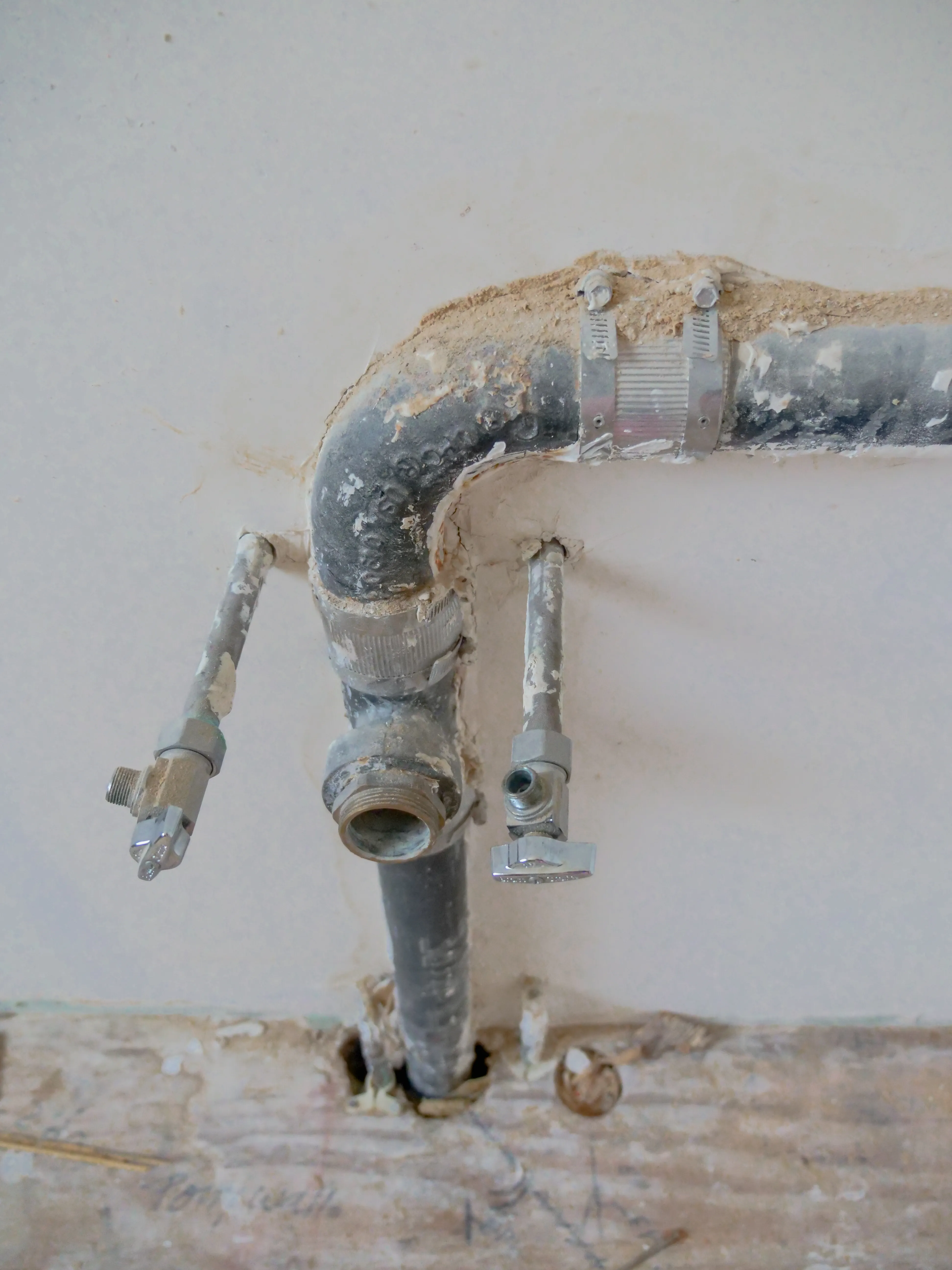
Illustrative photo.
Plumbers live in two worlds: emergency service calls where the quote has to go out in minutes, and larger jobs like rough-ins, bathroom renovations, and repipes where the quote is a detailed multi-page document. The best quoting software for plumbers in Canada handles both without making you switch tools. This guide skips the paid rankings and focuses on how to evaluate your options honestly.
What makes plumbing quoting different
Plumbing quotes need fixture-level detail. A bathroom rough-in quote should list each fixture, the pipe runs, valves, and the finish work, because clients want to know exactly what their money buys. Emergency calls need speed: a burst pipe at midnight does not wait for a polished proposal, so flat-rate pricing for common repairs lets you quote confidently on the spot. After-hours rates, call-out fees, and overtime multipliers must be easy to apply without manual math errors.
Phased work is another plumbing reality. Rough-in, top-out, and finish happen weeks apart, and your quoting should support progress billing tied to those phases. Warranty terms matter more in plumbing than in many trades; clients worry about leaks, so stating your workmanship warranty on the quote builds trust. Photos of the existing problem, attached to the quote, reduce disputes about what was wrong and what was fixed.
What to look for: the selection criteria that matter
Mobile-first quoting is essential. You will build quotes in mechanical rooms, under sinks, and in crawl spaces, so the tool must work smoothly on a phone with one hand free. Look for flat-rate price books where you can store your standard repairs and installs with current material costs, and update those costs when suppliers raise prices.
Canadian tax handling is mandatory: correct GST or HST by province, your registration number on the document, and tax shown as its own line. Verify this before you buy, since some US-built tools treat Canadian tax as an afterthought. Also weigh digital signatures for on-the-spot approvals, photo attachments, change-order tracking for when a client adds a fixture mid-job, automatic conversion of quotes to invoices, and integration with your accounting software. If you run multiple trucks, check scheduling and dispatch features and how per-user pricing scales.
Tools Canadian plumbers commonly evaluate
Here are products worth a serious look, described with publicly known facts rather than marketing claims. Jobber, based in Edmonton, Alberta, is built for home service businesses including plumbing shops; it combines quoting, scheduling, dispatching, invoicing, and client reminders in one platform, which suits companies running multiple technicians. Housecall Pro is a US-based field service platform widely used by plumbing and other home service businesses, with a strong mobile app and automated customer notifications. ServiceTitan targets larger residential service companies with deep dispatching, reporting, and marketing features; it is powerful but typically a bigger financial and operational commitment. FreshBooks, headquartered in Toronto, is excellent for invoicing and small-business accounting but is not trade-specific, so it works best for solo plumbers who need solid billing more than dispatching. Pricing changes regularly, so check current pricing and confirm Canadian tax support directly with each vendor.
The honest takeaway: a one-truck residential plumber and a ten-tech commercial shop should not buy the same software. Match the tool to your job mix and crew size.
Quoting service plans and maintenance agreements
Many plumbing shops sell annual maintenance plans: water heater flushes, sump pump checks, whole-home inspections. These are quoted differently from one-off jobs, with recurring billing and scheduled visits, so check whether your software handles memberships or recurring invoices alongside regular quotes. A tool that manages both keeps plan members in the same system as your quoted jobs instead of a separate spreadsheet that nobody updates.
Documenting warranties on every quote
Plumbing clients worry about leaks after the truck leaves, so your workmanship warranty should appear on every quote, not just in the fine print of the invoice. State the warranty period in plain language and note what it covers. Software that carries warranty terms automatically from a template means no quote goes out without them, which is both a sales advantage and cheap insurance against disputes.
Red flags to watch for
Walk away from tools that cannot handle flat-rate pricing, since that is how most residential plumbing is quoted. Be wary of software that cannot itemise materials and labour separately, or that buries tax in a single unlabeled line. Long-term contracts and steep per-user fees deserve scrutiny when you employ apprentices or part-time help. And treat any 'best plumbing software' ranking that hides its methodology as advertising, not advice.
Switching without chaos
Migrate during a quiet stretch, not mid-renovation season. Build your ten most common quotes as templates first: water heater install, toilet replacement, faucet repair, drain cleaning, rough-in per fixture. Load current material prices and set your tax jurisdiction. Run the new tool alongside your old method for a few jobs to catch configuration errors. Make sure every technician who quotes gets trained; the office cannot be the only place quotes get built.
Our broader guide to quoting software for contractors in Canada covers how these tools compare across all the trades.
FAQ
What is the best quoting software for a small plumbing company in Canada?
It depends on your size and job mix. Small residential shops often prefer simpler mobile-first tools, while multi-truck operations benefit from scheduling and dispatch features. Evaluate against the criteria in this guide rather than trusting a ranked list.
Can quoting software handle emergency call-out pricing?
The better trade-focused tools can, through flat-rate price books and after-hours rate multipliers. Confirm this capability specifically, since generic invoicing software usually cannot.
How do I handle phased plumbing jobs in a quote?
Break the quote into phases, rough-in, top-out, finish, with a price per phase, and tie progress payments to completed phases. Software that converts quotes to invoices and supports progress billing makes this straightforward.
Does quoting software replace my plumber's licence paperwork?
No. Quoting software handles pricing and documentation; permits, inspections, and licensing remain your responsibility under provincial rules. Attach permit numbers to quotes where clients expect to see them.
Pick software that quotes the way you plumb: fast on emergencies, detailed on big jobs, and correct on tax every time. Get a free quote and we will help you choose the right tool or build a custom quoting system around your exact process.